

High-rise buildings are facilities where security management takes on a special dimension — literally. Dozens of floors, hundreds of tenants, thousands of technical devices and, not infrequently, several buildings connected by shared infrastructure. A security system operator must navigate this environment efficiently and intuitively, and a professional visualisation platform should make this easier.
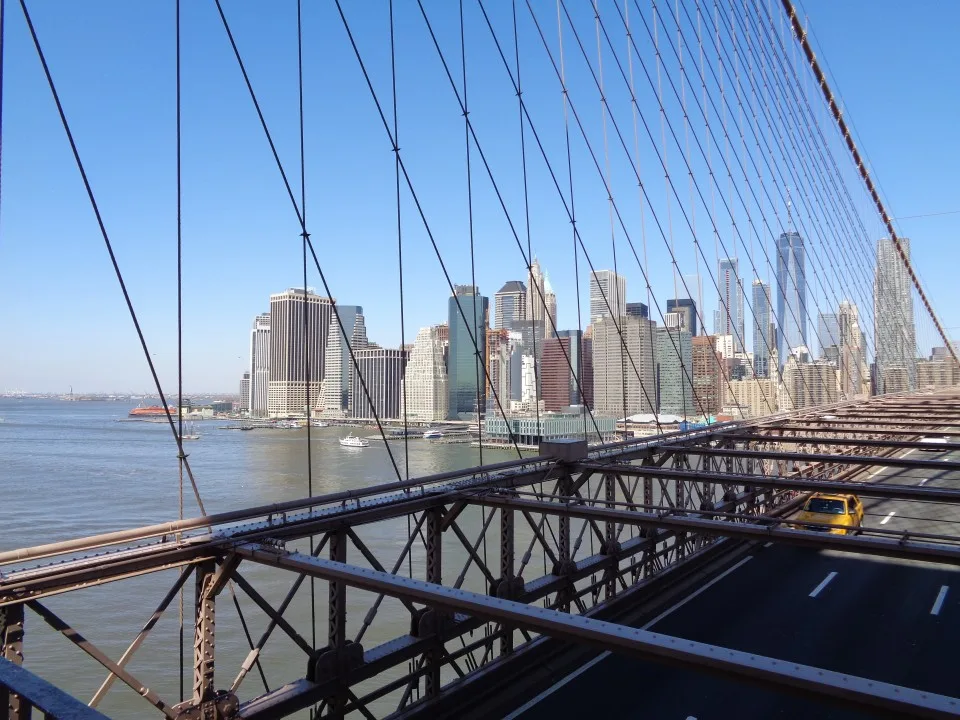
Lower Manhattan skyscrapers with a view of the Brooklyn Bridge — office complexes of this type place particular demands on security management systems [own photo]
For high-rise buildings, three functional areas of the integration platform are of key importance: floor navigation, quick tenant location and integration with building technical systems — including elevators. Below is a discussion of each, using the GEMOS environment as an example.
Choose a floor…
A high-rise building has dozens, sometimes over a hundred floors. A security system operator must be able to quickly navigate to the plan of any of them. In the GEMOS environment, this is achieved through a grid view — a graphical floor grid where each storey is a separate button leading to the corresponding site plan.
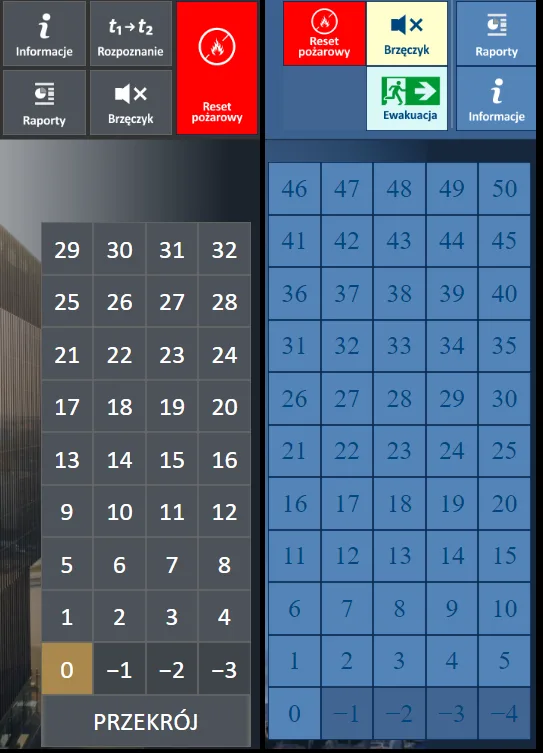
Grid view — quick access to individual floor plans of a high-rise building.
For complexes consisting of several buildings, the grid can encompass all of them, giving the operator a complete overview of the complex in a single view. An important complement is the cross-section view of the building, which shows the vertical layout of floors — particularly useful when analysing events spanning multiple storeys.
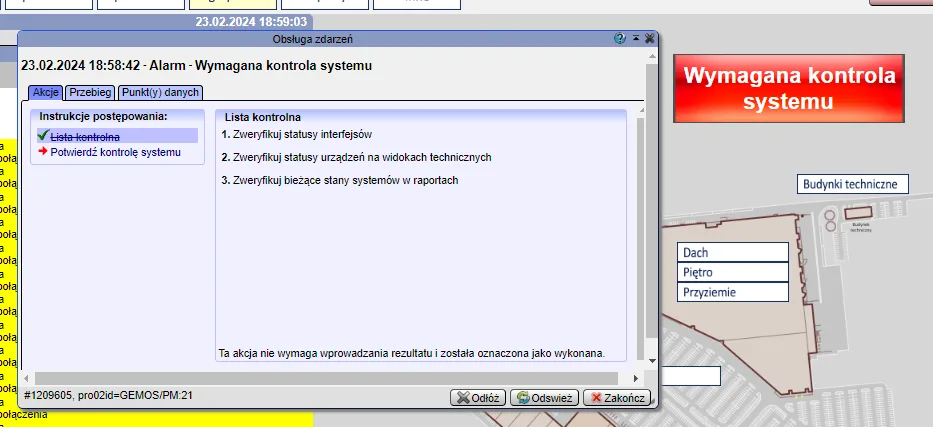
Building cross-section — the vertical floor layout makes it easier to understand the structure of the facility.
When an alarm occurs, the relevant floor is automatically highlighted, and the operator can navigate to the detailed floor plan with the event location in a single click. When several buildings form part of one complex, the grid allows instant identification of which building the event occurred in.
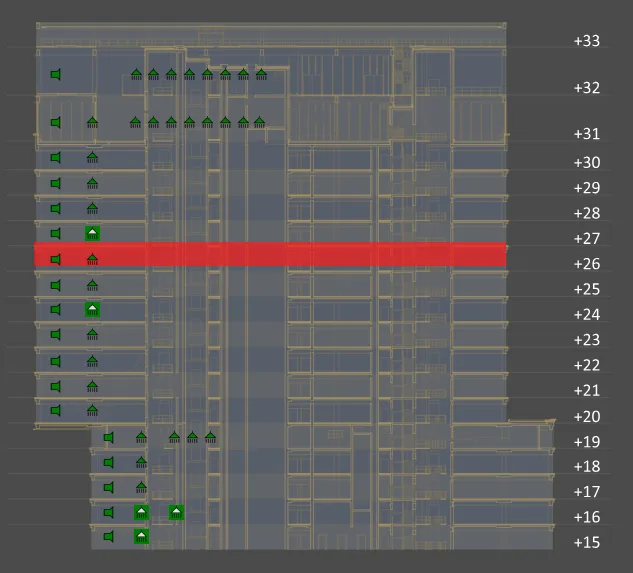
When an alarm occurs, the floor is automatically highlighted — the operator immediately knows where the event took place.
…find the tenant…
In high-rise office buildings, tenants change, move between floors, and their zones sometimes span parts of several storeys. The GEMOS environment offers a tenant search function that automatically takes the operator — after entering a company name — to the corresponding site plan with the tenant’s zone highlighted.
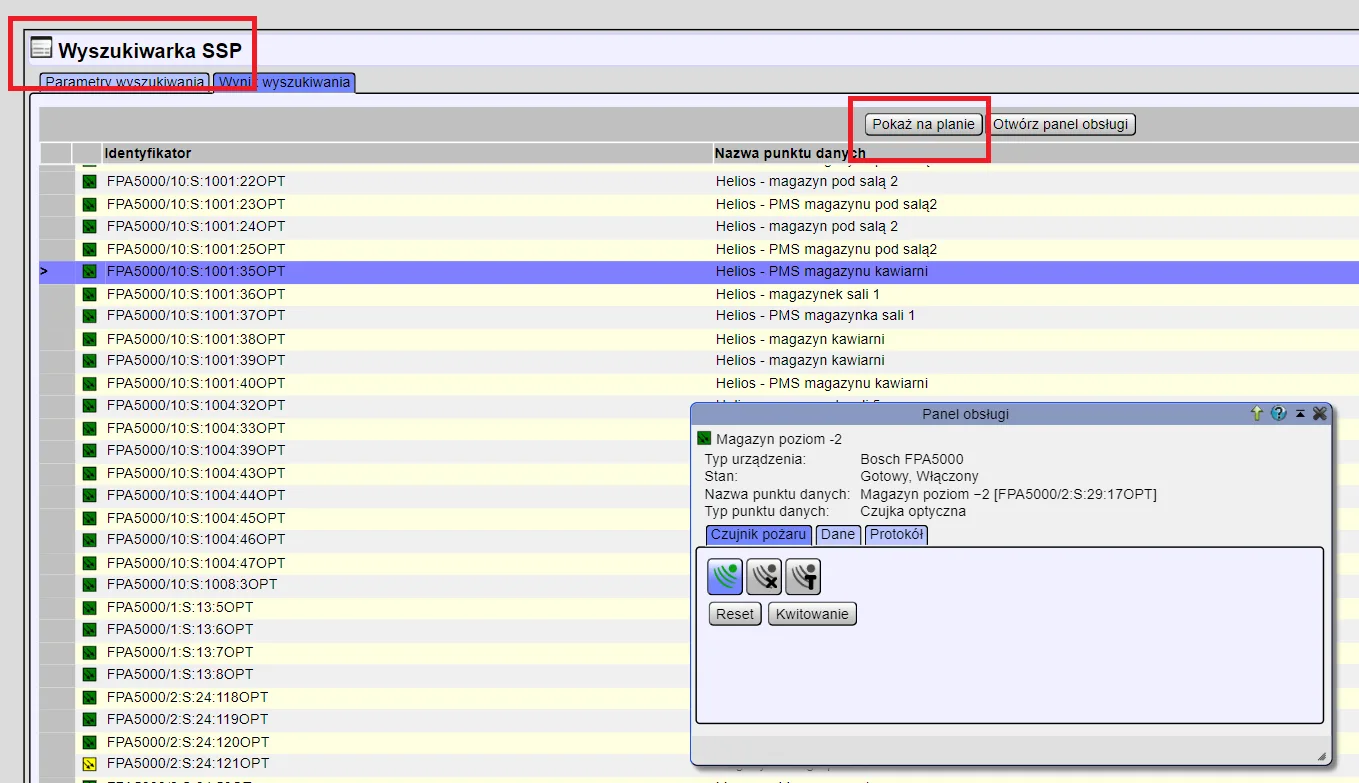
Tenant search function — quickly locating a company in the building without manually browsing through floors.
Tenant zone visualisation is based on vector graphics, ensuring plans remain legible regardless of the zoom level. Individual company zones can be colour-coded, and hovering over them displays additional information — such as the contact details of the zone’s administrator.
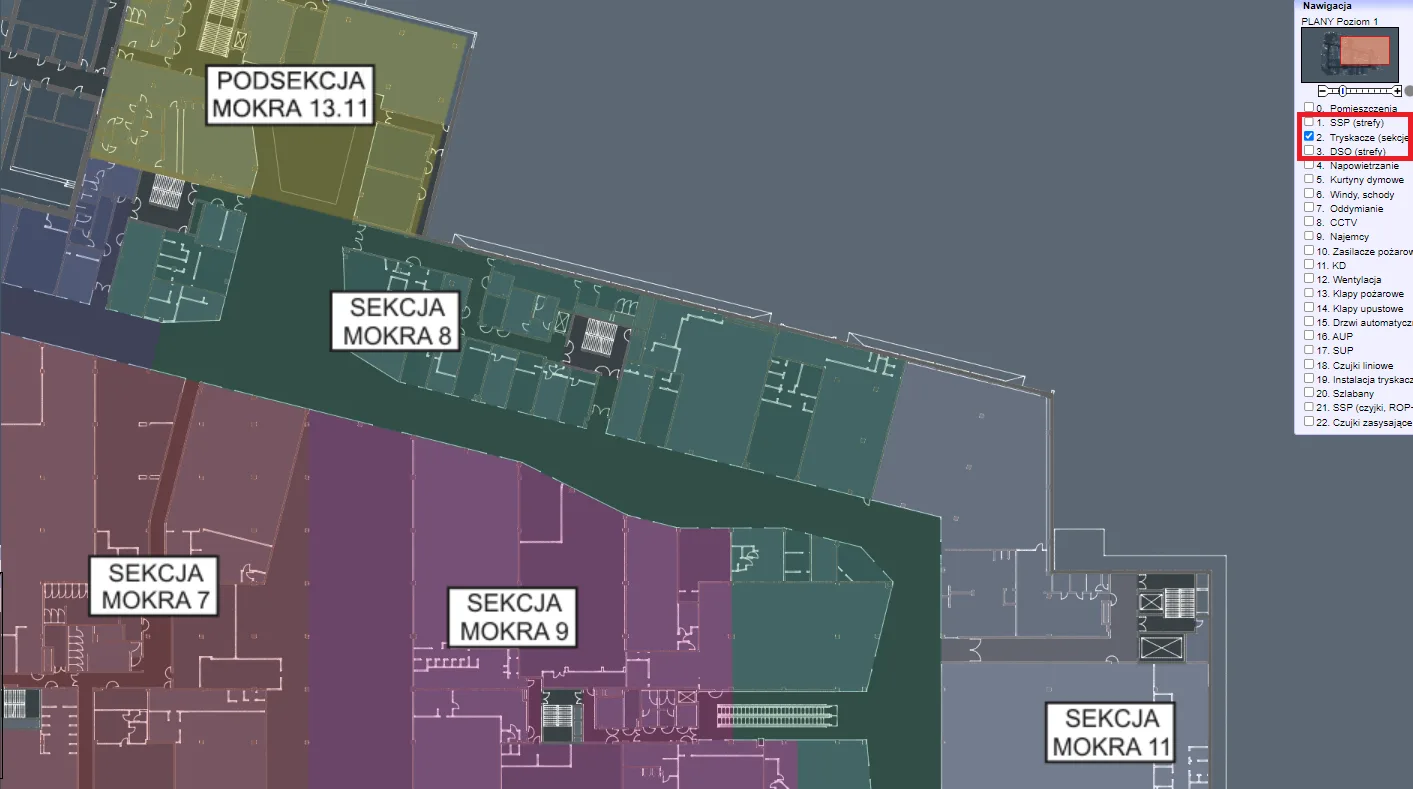
Tenant zones marked on the floor plan — vector graphics ensure legibility at any zoom level.
This type of functionality is particularly important in the context of evacuation procedures — it allows quick identification of which tenant occupies a given zone and who is responsible for coordinating evacuation in that part of the building.
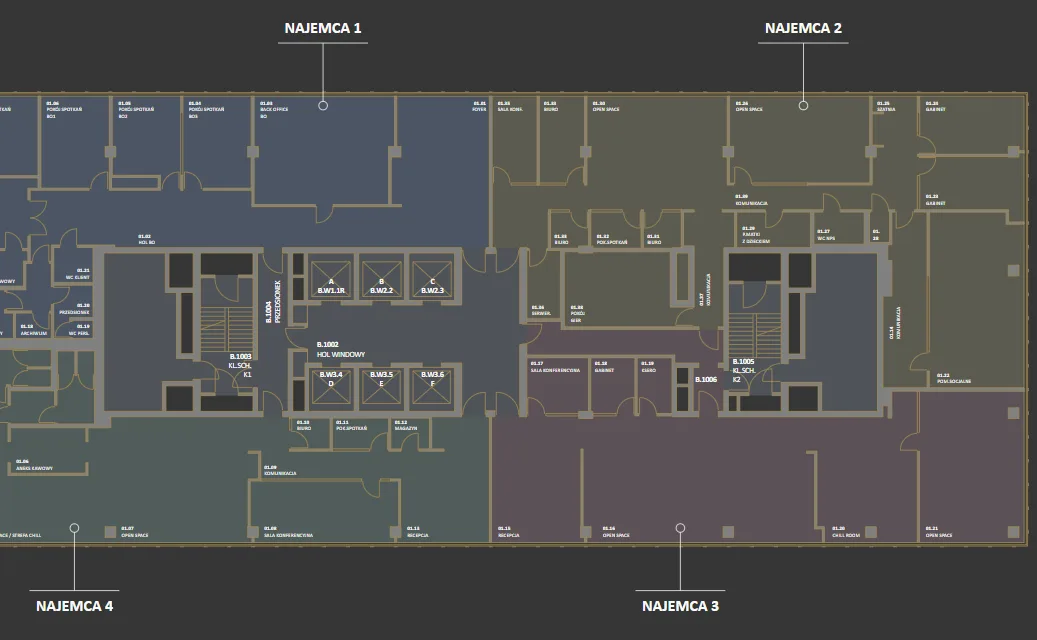
After selecting a zone, the operator gains access to detailed tenant information, including contact details.
…and take the elevator there
High-rise buildings are not just about security systems in the traditional sense. A professional integration platform must also cover building technical systems — IT installations, key depositories, emergency lighting, UPS units and, above all, elevators.
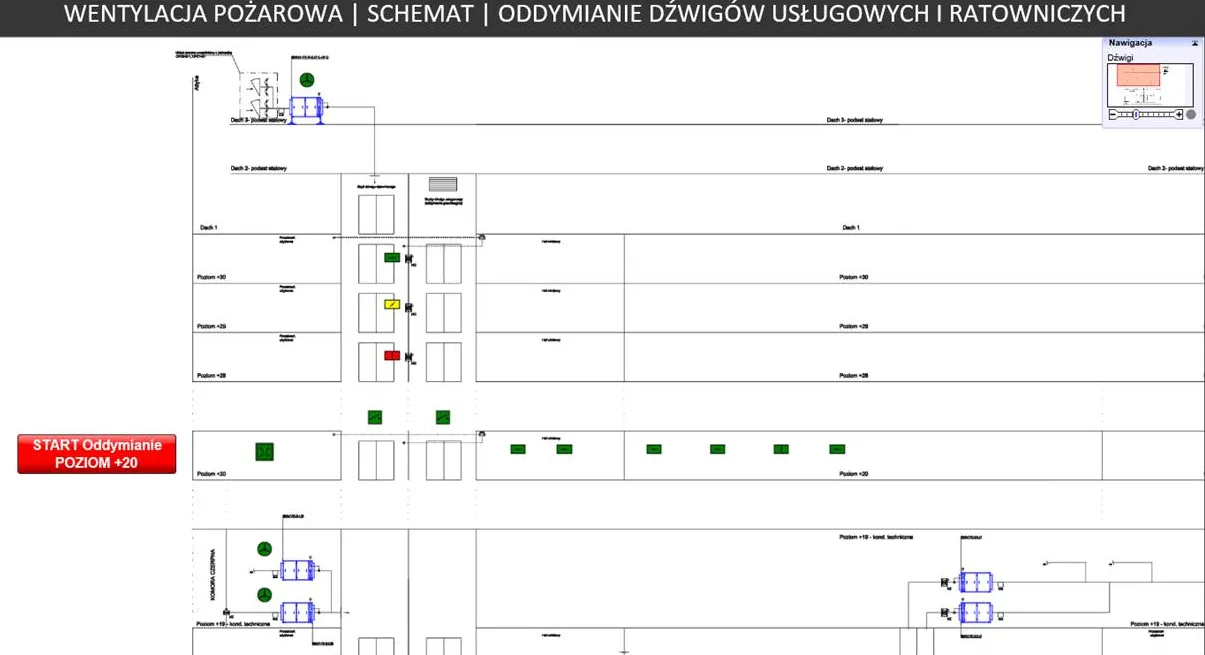
Integration with building technical systems — key depositories, emergency lighting and UPS units in a single visualisation environment.
Elevator integration enables real-time monitoring of their status — the operator can see which floor each car is on, whether the elevator is moving or stationary, and whether any fault condition is being reported. In the event of a fire alarm, the system can automatically initiate the procedure to send elevators to the evacuation floor.
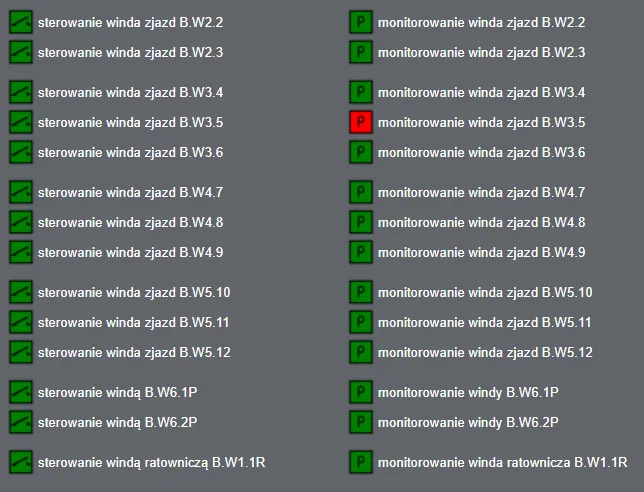
Elevator monitoring — car positions, direction of travel and fault conditions visible on a single screen.
Equally important is the integration with the video surveillance system. Cameras installed in elevator cars and on individual floors can be automatically called up in the context of an alarm event — the operator sees the image from the camera nearest to the alarm location without having to manually search through hundreds of video streams.
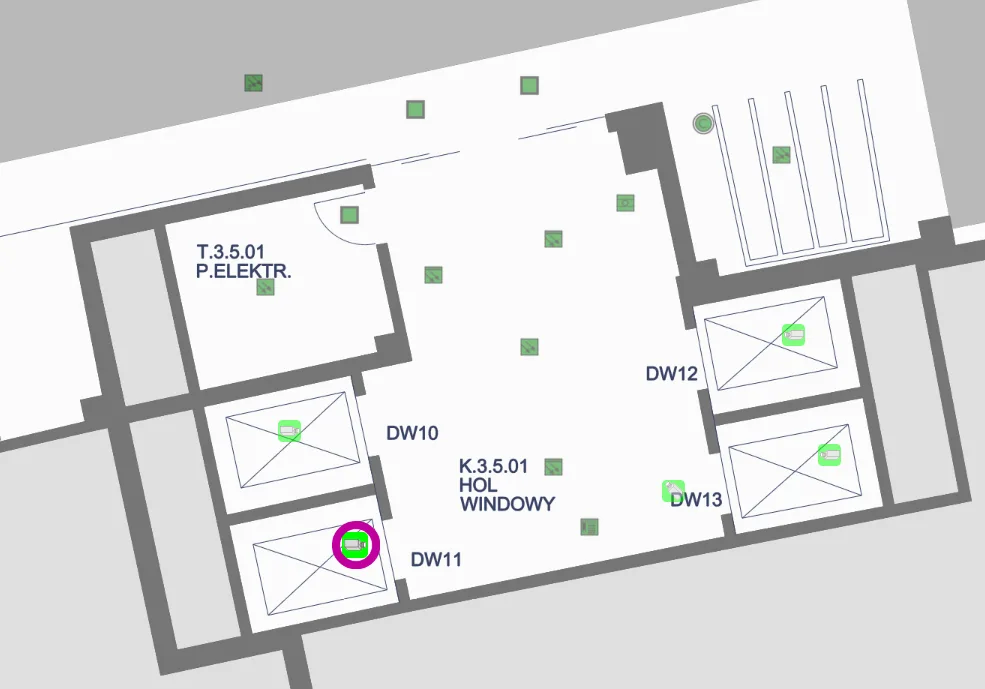
Image from an elevator car camera called up automatically in the context of an event — quick visual verification without manual searching.
High-rise buildings are facilities that demand from an integration platform not only a broad scope of integration, but above all thoughtful ergonomics — one that allows the operator to navigate efficiently through a complex building structure, quickly locate the event and take appropriate action.